V0.2 Soon Available for beta testers

Forge Your Story,
World by World.

The all-in-one workspace for novelists and world-builders. Organize characters, plot interactive timelines, and write distraction-free.

Everything you need

A Powerhouse for Your Imagination

Stop wrestling with scattered notes. Quill Forge brings structure to your creativity without stifling it.

timeline

Complex Timelines

Visualize your story's history. Create Eras, Arcs, and plot key events with chronological precision. Never lose track of a plot thread again.

groups

Story Element Database

Build deep element sheets for your cast, locations, items, events and lore. Auto-detected from your prose and linked directly to the scenes where they appear.

menu_book

Focus Mode Editor

A clean, distraction-free writing environment. Organize by chapters and scenes.

account_tree

Mind Map

Map your plot and story on a canvas, connect the dots as you explore your story.

track_changes

Goal Tracking

Set word count goals, track daily progress, and estimate completion dates. Stay motivated with visual progress bars.

link

Smart Hyperlink

Elements mentioned in a scene are hyperlinked to their element sheet. Your story elements, at your fingertips.

Master Time and Cause

Every epic story has a complex history. Our timeline tool lets you visualize eras, overlap story arcs, and pinpoint events down to the minute.

  • check

    Nested Eras & Arcs

    Define the "Third Age of Sun Elves" and track multiple conflict arcs within it.

  • check

    Event Cards

    Rich details for every event, including participants, location, and key item acquisition.

  • check

    Custom Dating Systems

    Use standard dates or invent your own fantasy calendar (e.g., Year 245, Bloomtide 12).

The Emergence of Magic
open_in_new expand_less
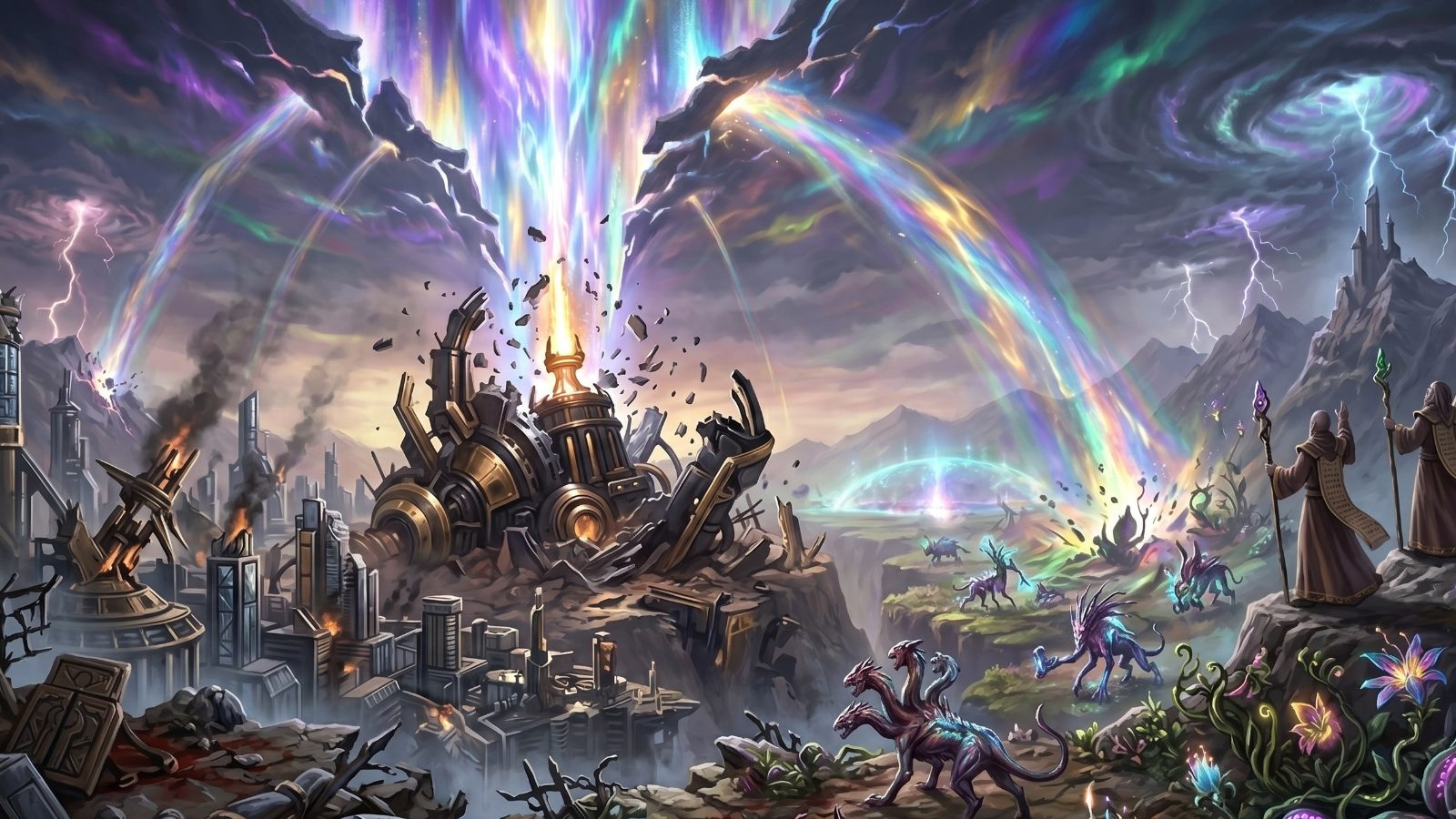
The Shattering of the Sky
calendar_today 14 OF MARCH, 1422

A sudden, cataclysmic tear in the high ...

menu_book The Architect of Yesterday
chevron_right
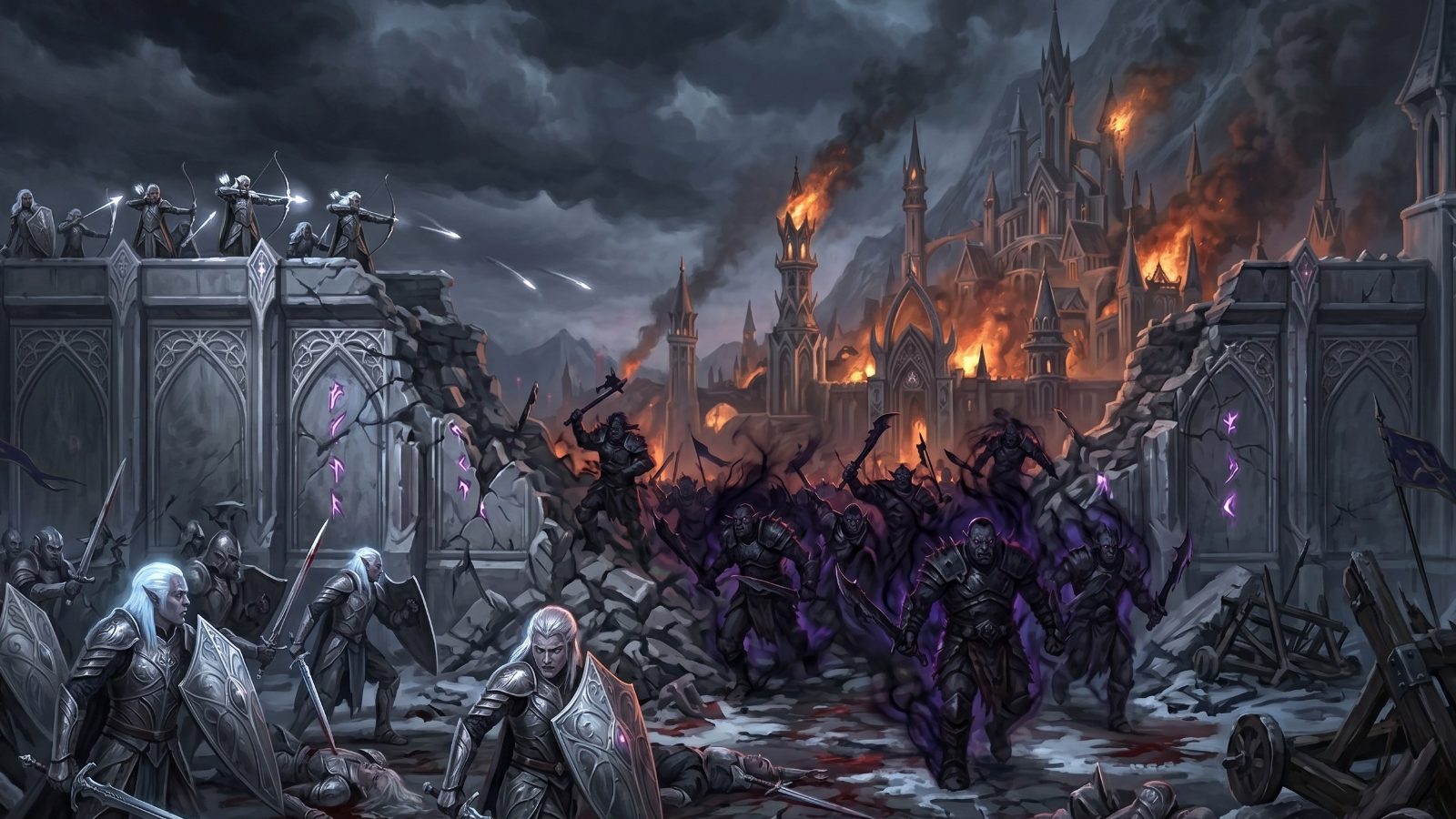
The Siege of Mooncrest
calendar_today 3 OF JULY, 1425

The Shadow-Orc legions launch a surp...

menu_book The Architect of Yesterday
chevron_right
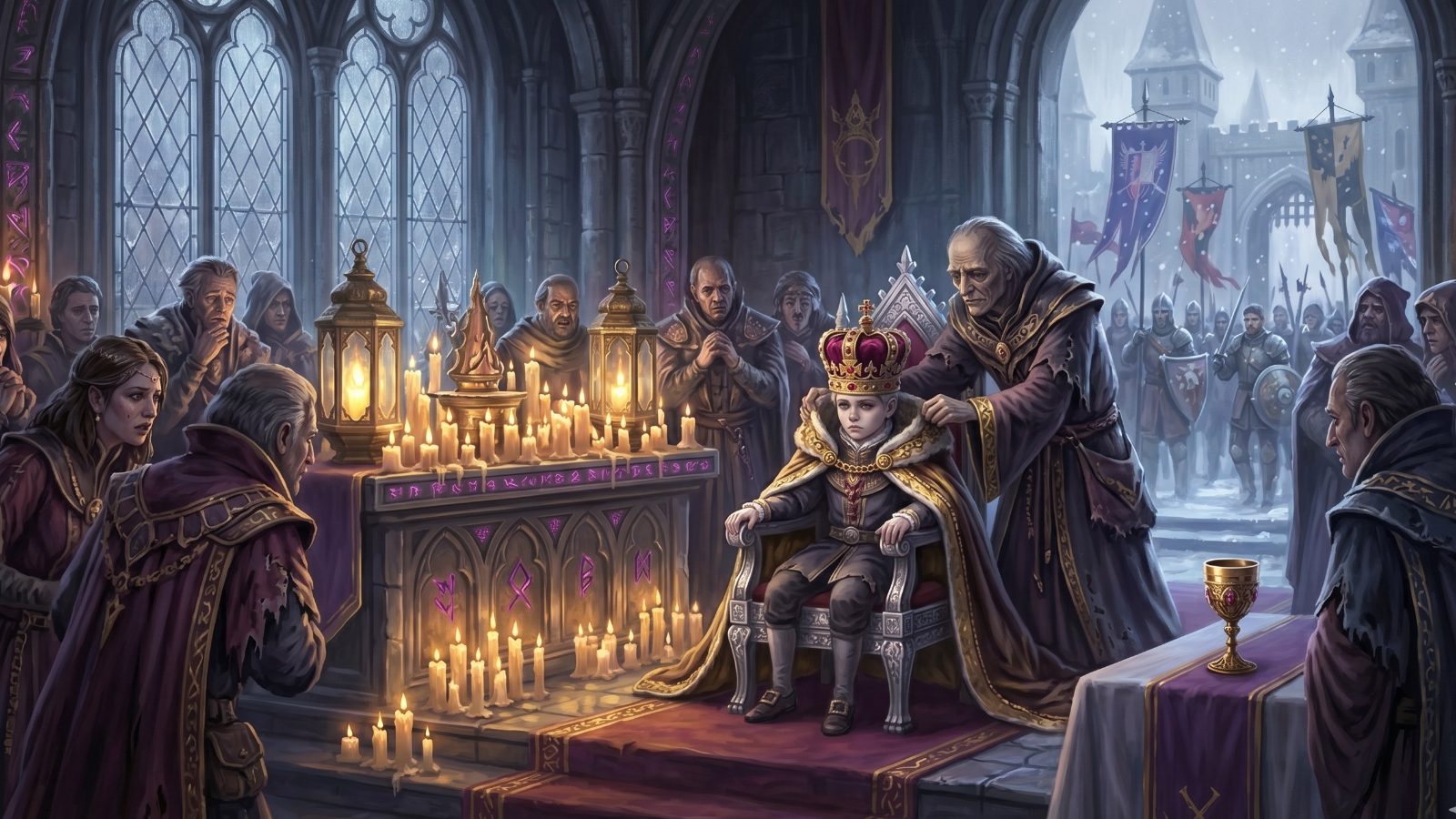
Coronation of the Boy King
calendar_today 11 OF OCTOBER, 1426

Following the mysterious poisoning of...

menu_book The Architect of Yesterday
chevron_right
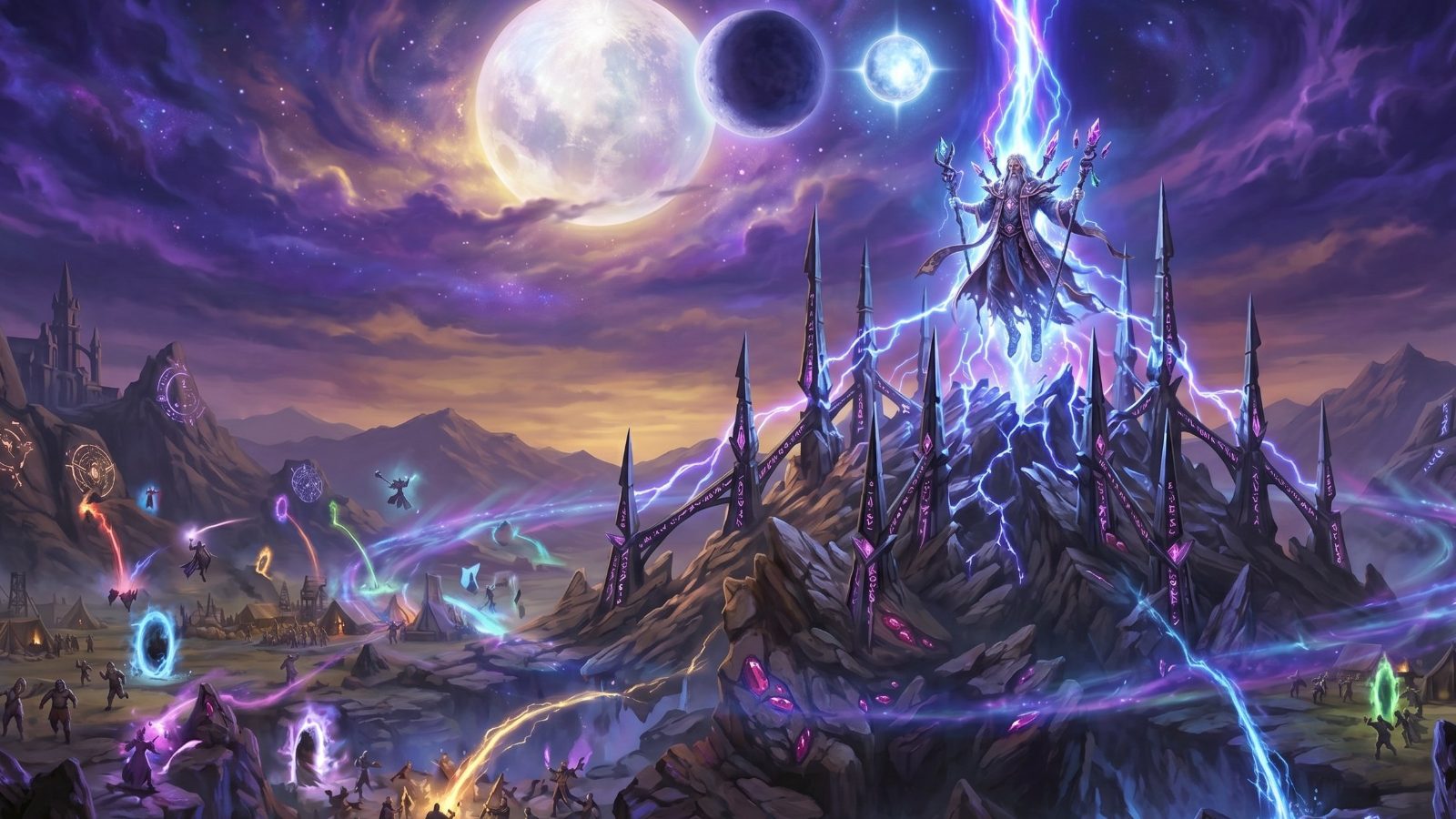
The Great Convergence
calendar_today 1 OF SEPTEMBER, 1428

The three moons align perfectly for th...

menu_book The Architect of Yesterday
chevron_right
The Awakening of Ignis
calendar_today 24 OF JANUARY, 1431

The dormant volcano at the center of t...

menu_book The Architect of Yesterday
chevron_right
person
person

Elias Thorne

Character
public
public

Sunken Citadel

Location
inventory_2
inventory_2

Amulet of Kael

Item
menu_book
menu_book

War of Ash

Lore
timeline
timeline

Fall of the Citadel

Event

Forge Every Character, Place, and Legend

Character sheets, locations, items, events, and lore — all built in the Forge, all wired into what you write.

Custom Attributes

Build your story elements the way you want — add any label and value, on any element, with no fixed schema to fight against.

Auto-Detected As You Write

Type a character or place name into your prose and Quill Forge finds it automatically — underlined in that element's color and linked straight back to its sheet. No manual tagging.

Appearances, Tracked for You

Every element keeps a running list of every chapter and scene it shows up in — built automatically from what you write, not something you maintain by hand. Tap any appearance to jump straight there.

Write With Your World Beside You

Your Manuscript, Fully Wired In

Every character, place, item, and event you've built lights up the moment you write it — click through and the full sheet opens right beside your prose.

format_underlined

Elements Underlined As You Write

Characters, locations, items, lore, and events each get their own underline color the instant you type their name — no tagging, no breaking flow.

dock_to_left

Full Detail Panel, Without Leaving the Page

Click any underlined mention and its complete sheet opens beside your manuscript — every field editable, right where you're writing.

swap_horiz

One Sidebar, Five Views

Flip between Event, Spark, Outline, Plot, and Elements without ever closing the manuscript you're working on.

Visual Mapping

See the Whole Story at Once

Plots rarely arrive in order. Drop every thread onto an infinite canvas, draw the connections as you find them, and watch your story's architecture reveal itself.

account_tree The Broken Crown Map
The Architect of Yesterday
hub

Infinite Canvas

Sketch without page limits. Zoom out for the shape of the whole story, zoom into a single card to untangle one knot at a time.

layers

Color-Coded Layers

Separate plot threads, character arcs, and worldbuilding by layer, then toggle each on or off without losing your place.

link

Link Straight to Your Story

Connect any node to a Character, Location, Item, or piece of Lore, then jump straight to the full element sheet in one click.

Capture Everything

Catch Every Spark Before It Fades

Sparks is where every stray idea, task, and note lands first — a single capture point that quietly organizes itself as you link it to the characters, chapters, and scenes it belongs to.

auto_awesome Utilized

Elias's hidden scar

Character
H Due Jul 22

Fix pacing in Ch. 12

2/4 subtasks
mic Unsorted

Rain motif idea

Inspiration
format_quote Dialogue

"The crown remembers."

link 2 linked elements
mic

Speak It Before You Lose It

Record a quick voice memo, watch the waveform as you talk, and insert the transcription straight into your spark. No typing required.

ios_share

Send Anything Into a Spark

Share a link or a passage from any other app on your phone straight into a new Spark(), using your device's own share sheet.

sync_alt

Finds It a Place In Your Story

Every new Spark starts Unsorted. Link it to a project, book, chapter, or scene and it flips to Utilized.

link

Wired Into Your World

Connect a Spark to any scene or chapter and make sure it finds it's place in the story. Check off the spark when you use it in the story.

checklist

Notes, Tasks, or Both

Add a checklist of subtasks, mark High, Medium, or Low priority, or set a due date — the same Spark that caught your idea can carry the to-do that comes with it.

manage_search

Find Any Spark in Seconds

Filter by status or type, sort by recent, pending, or completed, and search title and content together — with one tap to clear filters and start fresh.